Avoid failed downloads
Start with models that match your available memory and graphics hardware.
Businesses, institutions and people exploring private local AI
Match your computer with local AI models it can realistically run.
What changes for you
See how this product can save time, give you more control, and make work easier.
Start with models that match your available memory and graphics hardware.
Explore AI that can run on your own computer instead of sending every task to a cloud service.
Test a suitable smaller model before buying new hardware or paying for more cloud use.
Use conservative guidance that does not invent speed or performance numbers.
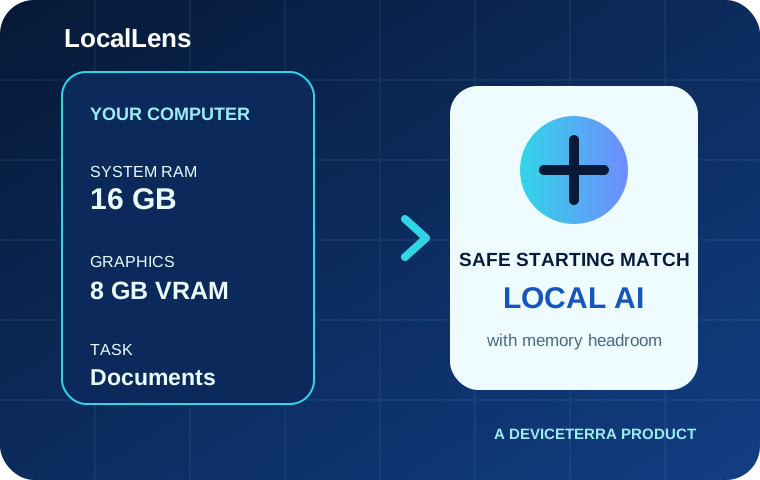
Large model lists do not tell you whether a model will work well on your computer. LocalLens compares your operating system, system memory, graphics hardware, graphics memory and task with reviewed model requirements.
It helps small businesses, institutions, technical teams and individual users who want to try private local AI without wasting time, storage or bandwidth on a model that is too large.
You describe the computer honestly. LocalLens applies conservative memory rules and keeps enough room for the operating system and the software running the model. It then shows suitable starting choices instead of making unverified speed promises.
A model that fits is easier to install, less likely to crash and more useful in daily work. Starting smaller also makes testing cheaper and helps you learn what quality you actually need.
Local AI can keep sensitive documents and model work on your own computer, reduce repeated cloud costs and continue working when internet access is limited. Your exact result still depends on the model, runtime, settings and task.
Before you decide
No. The compatibility tools run in your browser and do not send your hardware details unless you choose to request help.
No. Speed depends on your exact hardware, model, runtime, settings and task. LocalLens avoids making speed promises without a benchmark.
Sometimes. Smaller models can run on a CPU, but they may respond more slowly. LocalLens helps you find realistic starting choices.
Your operating system and AI runtime also need memory. Conservative headroom reduces crashes and false confidence.
Solve the problem
Tell us what is slowing you down. We will help you see if LocalLens fits your work, budget, and goals.
Continue on WhatsApp